

All Cursor Packs
Browse our full collection of custom cursors. Find your next favorite style and install it for free.

50 Cent cursor
0FreeIf you want to change the default cursor to 50 Cent, you are welcome to our collection of cursors Rappers.

Funshine Bear cursor
0FreeFunshine Bear cursor for a mouse is a good fan art to decorate your browsing and a smiling sun hover comes together with the custom cursor with Funshine.

Jamie Set cursor
0FreeThe Jamie Set for Chrome cursor set has a custom cursor in the form of the pink cowgirl hat and the smiley face with lightning bolt eyes as a pointing device.
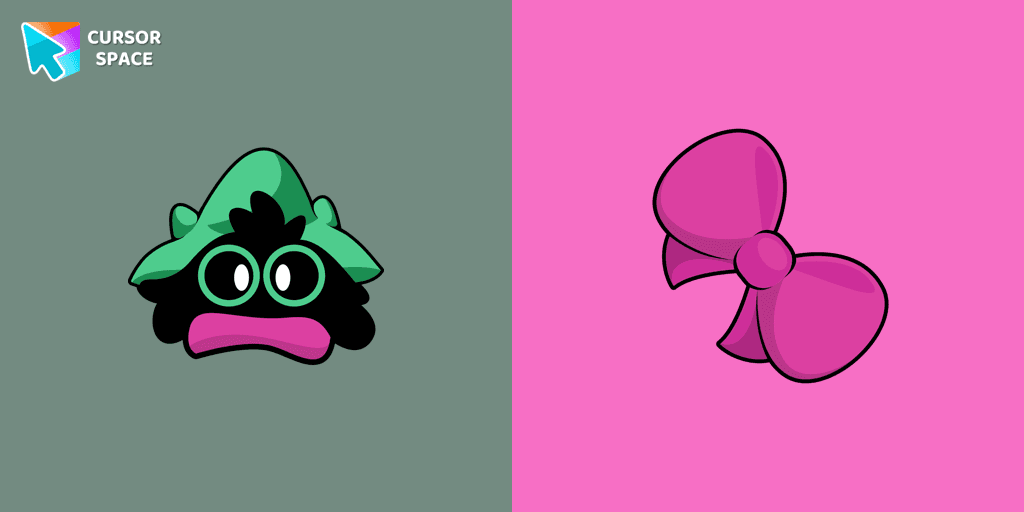
Deltarune Ralsei cursor
0FreeCustom cursor with Ralsei is a good opportunity to change the usual mouse to the cursors from the Undertale and Deltarune collection for Chrome.
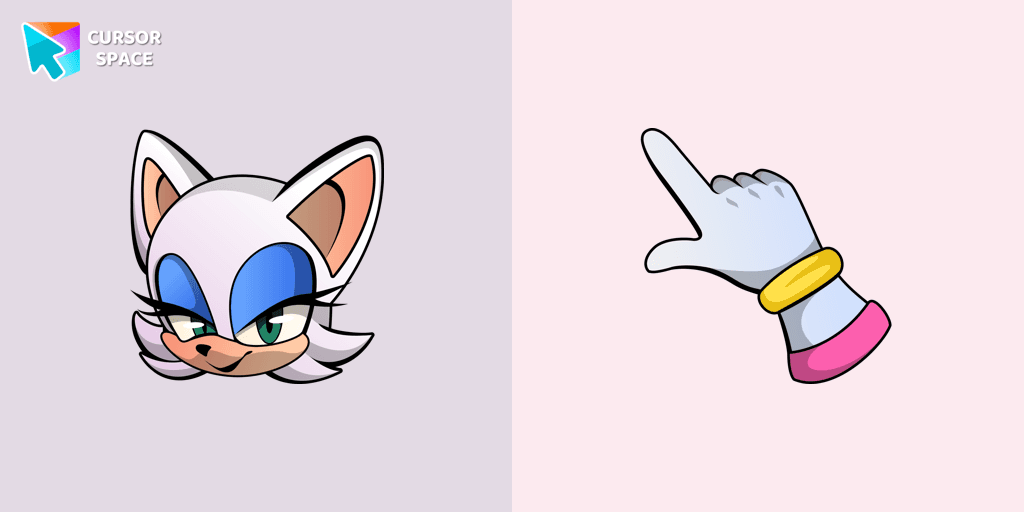
Rouge the Bat cursor
0FreeRouge the Bat as a custom cursor for mouse and a pointer is presented in our Sonic the Hedgehog custom cursors collection for Chrome.

Wish Bear cursor
0FreeA yellow shooting star as a cursor for the mouse and a Wish Bear pointer will look pretty nice on your screen.

Cheer Bear cursor
0FreeCheer Bear custom cursor from our Care Bears cursors collection for mouse and pointer.
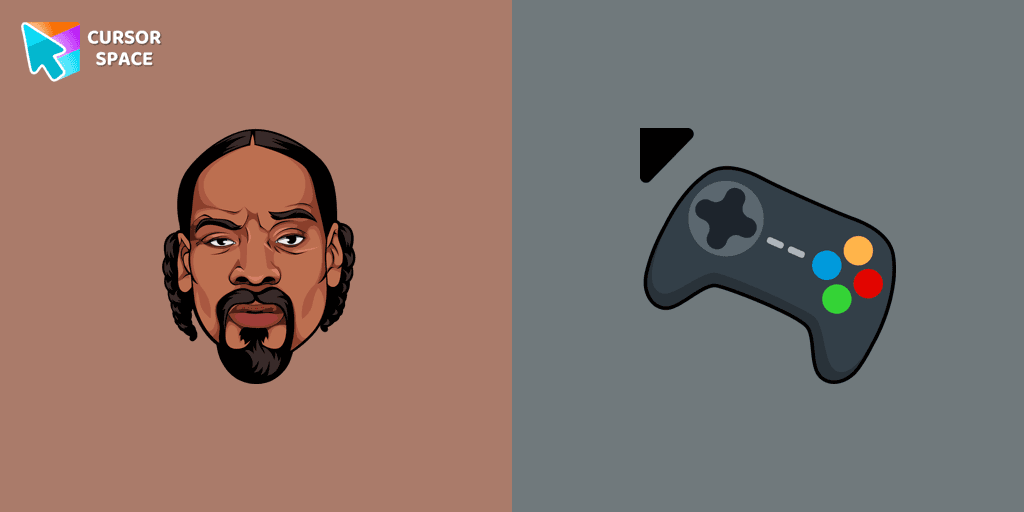
Snoop Dogg cursor
0FreeAdd Snoop Dogg cursor in the collection of custom cursors with Rappers for the browser.
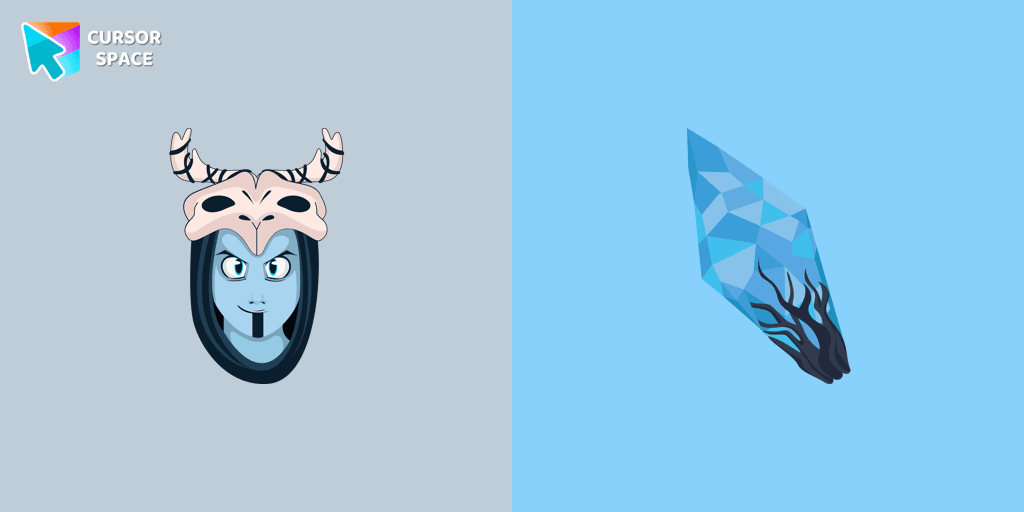
Skrael cursor
0FreeCustom cursor with Skrael in an Animation Movies cursors collection for Chrome browser.
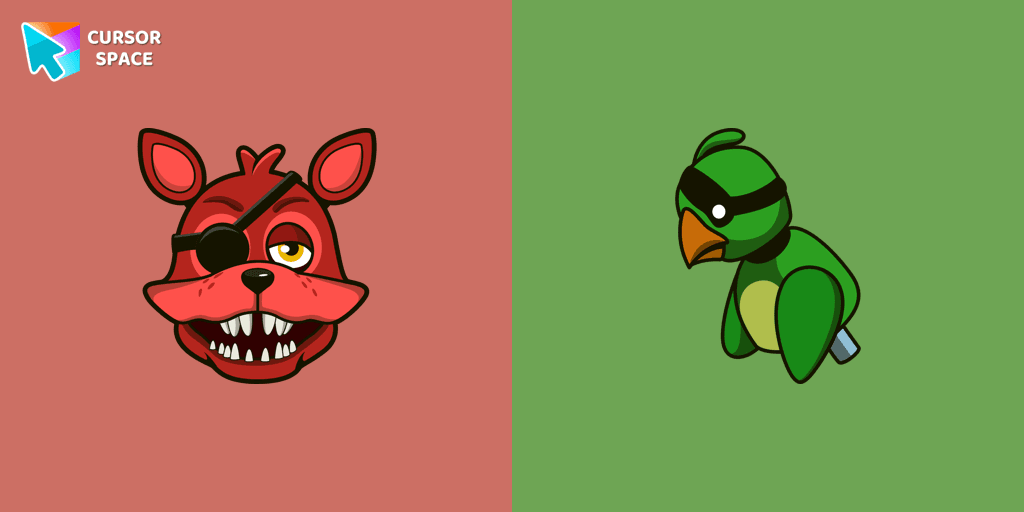
Rockstar Foxy cursor
0FreeCool custom cursor with Foxy includes a mouse cursor in the form of a green parrot and a hover pointer with Rockstar Foxy.
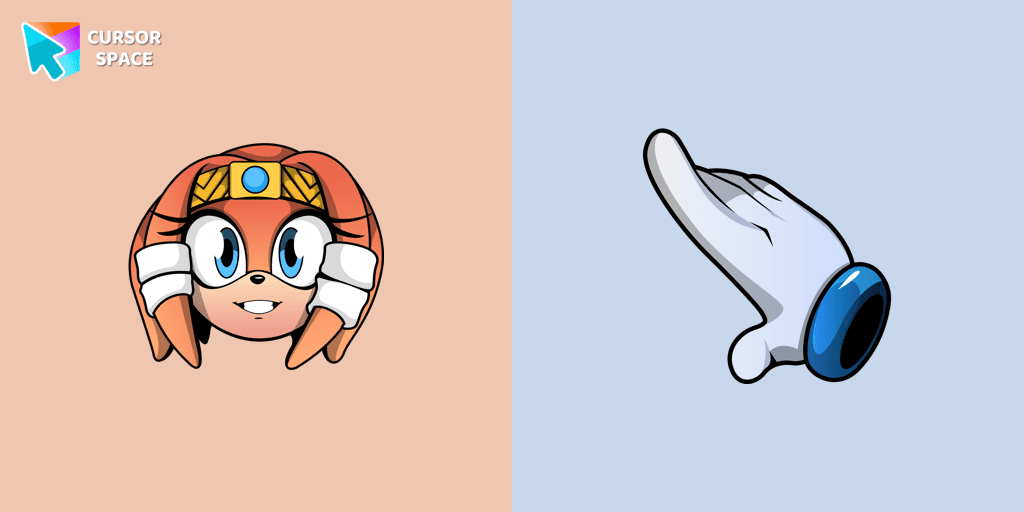
Tikal The Echidna cursor
0FreeTikal the Echidna cursor for mouse and pointer will replace your default mouse with a game character from our Sonic the Hedgehog collection.
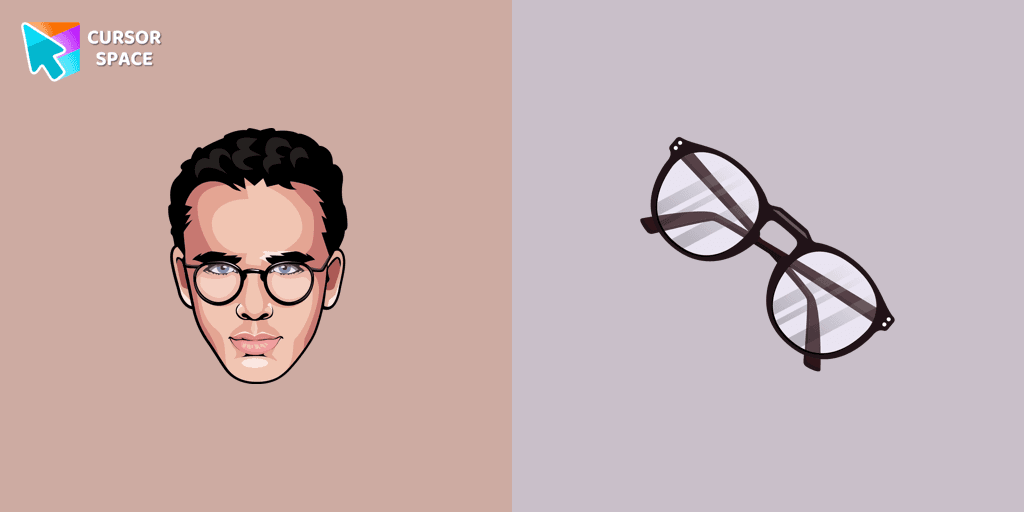
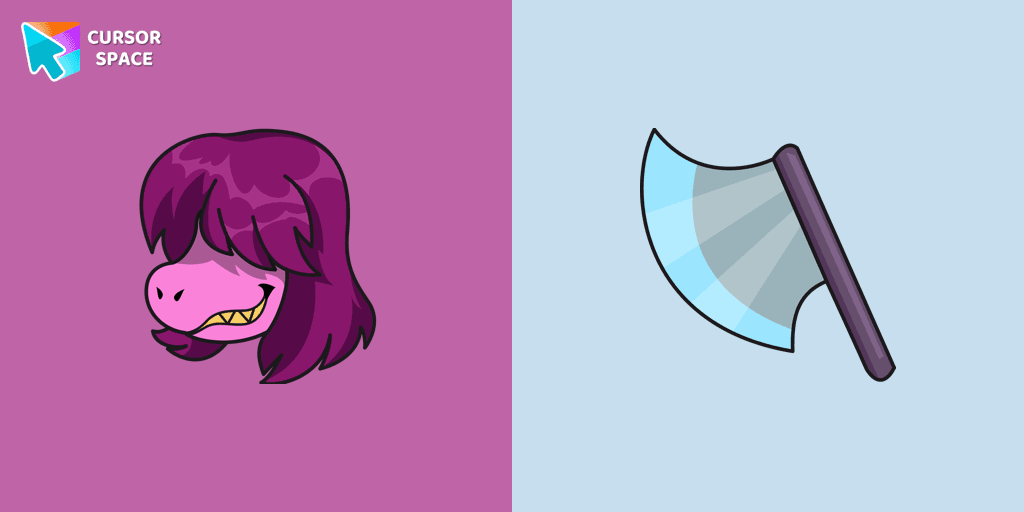
Deltarune Susie cursor
0FreeSusie custom cursor from our Undertale and Deltarune cursors collection for mouse and pointer.
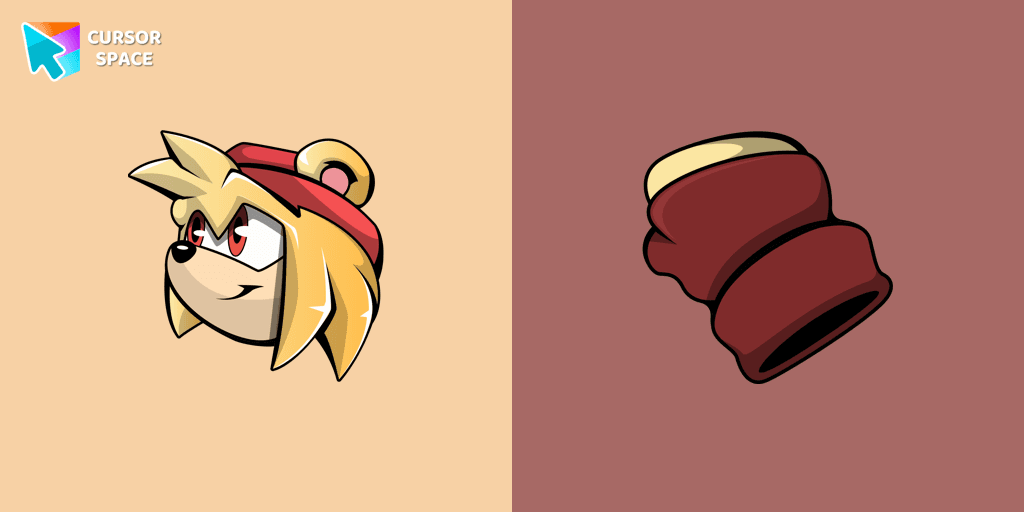
Bark the Polar Bear cursor
0FreeCute custom cursor with Bark the Polar Bear includes a well-designed mouse cursor with a character weapon and a pointer with Bark.
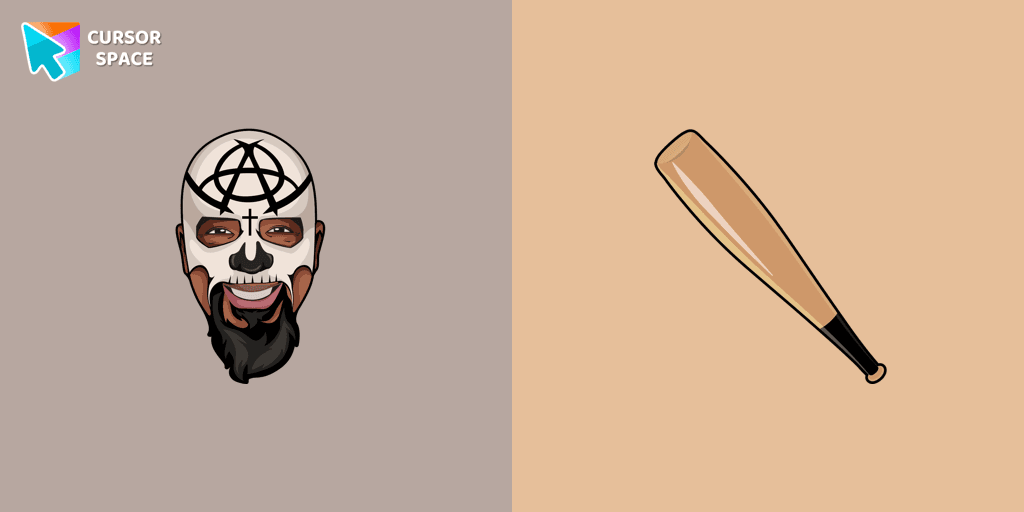
Tech N9ne cursor
0FreeTech N9ne cursor for mouse and custom hover pointer with a baseball bat in a Rappers collection of custom cursors.

Deltarune Lancer cursor
0FreeThere is a custom cursor with a hand lancer and a Lancer as a hover in a set of Undertale and Deltarune cursors for Chrome.
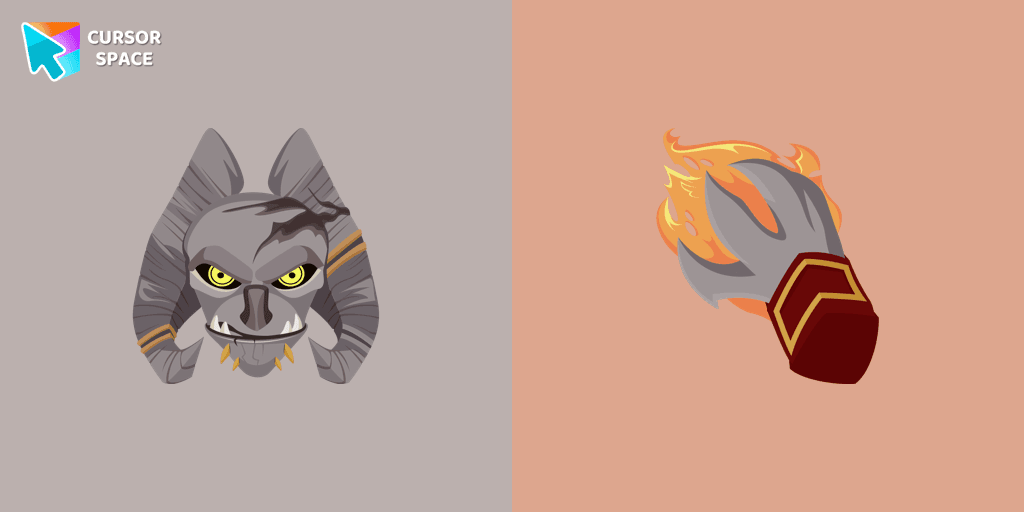
Angor Rot cursor
0FreeThere is a custom cursor with a character weapon and an Angor Rot as a hover in a set of Animation Movies cursors for Chrome.

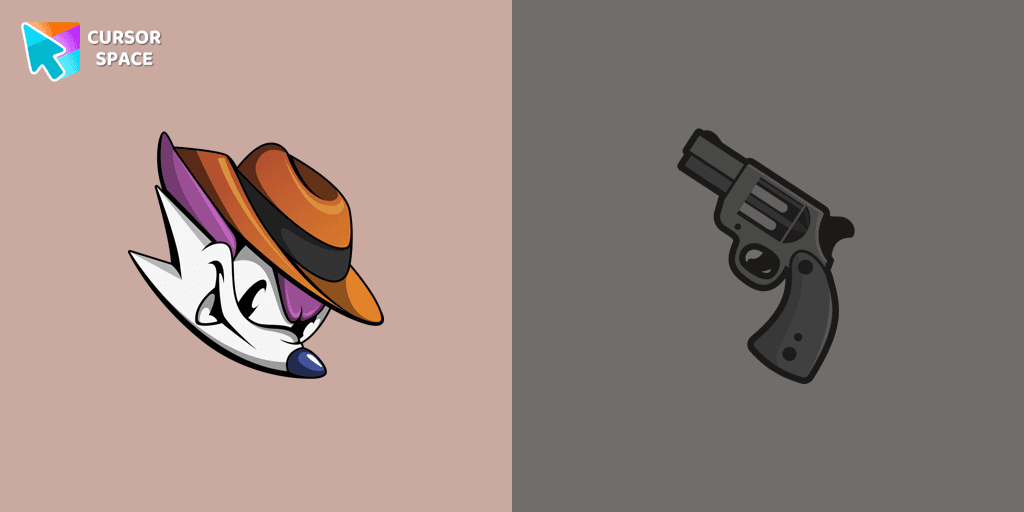
Fang the Sniper cursor
0FreeFang the Sniper cursor that can be installed from our Sonic the Hedgehog custom cursors collection for Chrome instead of the standard custom cursor.
Explore cursor packs by style
Cursor Space packs include curated cursor sets for everyday browsing: cute, minimal, anime, neon, pixel art, and more. Each pack comes with multiple cursor states (like default and pointer) and can be added to your browser in seconds.
Trending now
Fresh picks based on what people install most often.
Collections
Browse themed sets grouped by vibe and aesthetic.
Top charts
See weekly, monthly, and all‑time leaders.
How to install a cursor pack
- Open any pack from the grid above.
- Click the install / add button on the pack page.
- If you don’t have it yet, install the Cursor Space browser extension.
- Apply the pack in the extension and enjoy your new cursor.
FAQ
Quick answers to common questions about cursor packs, collections, and installation.
Are cursor packs free on Cursor Space?
Most cursor packs on Cursor Space are free to browse and install. Some packs may be marked premium depending on licensing. The Cursor Space browser extension is free to install from the Chrome Web Store.
Do cursor packs work on Chrome and Edge?
Yes. Install the Cursor Space extension for Chromium-based browsers (Chrome, Edge, Brave), open a pack page, and click install/apply. The extension applies the cursor set across your browser.
How do I install a custom cursor pack?
Open the pack page, click the install or add button, install the Cursor Space extension if prompted, then apply the pack from the extension popup. Your new cursor appears immediately.
Can I change or remove a custom cursor later?
Yes. Open the Cursor Space extension, choose another pack, or restore the default system cursor from the extension settings.
Is the Cursor Space extension safe?
Cursor Space is distributed via the Chrome Web Store and Edge Add-ons. Keep the extension updated, and only install packs from trusted catalog pages on this site.